

TM 5-3805-292-10
0011
OPERATION
0011
1. Install pallet forks onto machine.
2. Move slowly into position, with forks fully lowered and centered square with pallet.
3. Space forks evenly and as far apart as possible to support load. Refer to Removing and Installing Pallet Forks
in this work package.
4. Drive forward slowly to fully engage forks into pallet. Refer to Operating Machine (WP 0005).
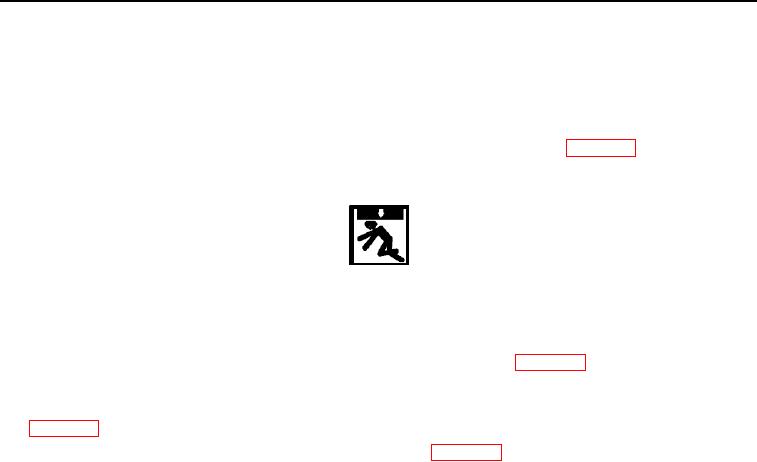
WARNING
Personnel must stand clear of machine while it is carrying bulky or heavy loads. When
hauling a bulky load that impairs visibility, travel in reverse and use a ground guide. Be
alert for personnel or obstructions in area. Failure to follow this warning may result in
death or injury to personnel.
5. Raise and tilt forks backward to secure load. Refer to Operating Machine (WP 0005).
6. Carry load low to ground while transporting to unload area.
7. At unload area, lower forks slowly and tilt forward until pallet is resting on ground. Refer to Operating Machine
8. Back carefully away from pallet. Refer to Operating Machine (WP 0005).
END OF TASK
END OF WORK PACKAGE
0011-4